
حوّل مطعمك للعصر الرقمي مع طلباتك
منصة QR Code ذكية تتيح لعملائك تصفح المينيو، الطلب، والدفع إلكترونياً بدون انتظار النادل. أكثر من 500 مطعم في 8 دول عربية يثقون بنا. ابدأ تجربتك المجانية اليوم — بدون بطاقة ائتمان.
هل تواجه هذه التحديات في مطعمك؟
أكثر من 80% من المطاعم تخسر عملاء وأرباحاً بسبب هذه المشاكل يومياً. الكشف المبكر = حل سريع.
تكاليف طباعة متكررة
كل تغيير سعر أو إضافة صنف جديد = إعادة طباعة المينيو بالكامل. آلاف الريالات/الدراهم تهدر سنوياً.
انتظار النادل
العميل ينتظر النادل ليأخذ طلبه، ثم ينتظر وصوله للمطبخ، ثم ينتظر الفاتورة. تجربة سيئة = عميل لا يعود.
أخطاء بشرية في الطلب
سماع خاطئ، كتابة غير واضحة، نسيان صنف — كل خطأ يكلفك عميلاً وطلب مستقبلي.
صور باهتة أو معدومة
المينيو الورقي لا يستوعب صور عالية الجودة لكل صنف. العملاء يطلبون بأعينهم أولاً.
لا بيانات، لا قرارات
لا تعرف الأصناف الأكثر مبيعاً، أوقات الذروة، أو سلوك عملائك. تدير مطعمك بالحدس لا بالأرقام.
عائق اللغة للسياح
في دول الخليج ومصر، السياح يصدمون بالمينيو العربي فقط. خسران عملاء بسبب اللغة.
✓ الحل موجود، وهو أبسط مما تتخيل
شاهد الحلمنصة طلباتك تحل كل ذلك وأكثر
منصة واحدة متكاملة تحوّل تجربة طلباتك من تقليدية إلى رقمية احترافية — ببساطة وقوة.
QR Code ذكي لكل طاولة
كل طاولة لها كود خاص. تابع كل طلب من أي طاولة لحظة بلحظة.
تحديث فوري للأسعار
غيّر سعراً واحداً أو القائمة كاملة في ثوانٍ — يظهر فوراً لكل العملاء.
تحليلات أعمالك
أكثر الأصناف مبيعاً، أوقات الذروة، متوسط الفاتورة. قرارات مبنية على أرقام حقيقية.
عربي + إنجليزي + لغات
العميل يبدّل اللغة بنقرة. جذب السياح وارفع مبيعاتك في المناطق السياحية.
طلبات على الواتساب
كل طلب يصلك فوراً على واتساب + لوحة تحكم + تنبيه صوتي. لا تفوتك أي طلب أبداً.
دعم 24/7 وأمان كامل
دعم فني عربي متواصل + تشفير SSL + نسخ احتياطي يومي. بياناتك في أمان دائم.
أرقام تتحدث عن نفسها
انضم لمئات المطاعم التي وثقت في طلباتك وحوّلت تجربة عملائها لرحلة رقمية سلسة
لماذا طلباتك؟
نقدم لك منصة متكاملة تجمع بين البساطة والقوة، مصممة خصيصاً للمطاعم في الوطن العربي
QR Code ذكي
امسح الكود واطلب فوراً بدون انتظار. كل طاولة لها QR خاص بها.
دعم متعدد اللغات
العربية والإنجليزية بشكل افتراضي، مع إمكانية إضافة لغات أخرى.
تحليلات متقدمة
تابع الأصناف الأكثر مبيعاً، أوقات الذروة، وسلوك العملاء.
متجاوب 100%
يعمل على أي جهاز: موبايل، تابلت، لابتوب، أو كمبيوتر مكتبي.
تحديث فوري
غيّر الأسعار والأصناف في لوحة التحكم وستظهر فوراً للعملاء.
آمن وموثوق
حماية كاملة للبيانات مع تشفير SSL وحفظ دوري للمعلومات.
كيف يعمل النظام؟
ثلاث خطوات بسيطة تفصلك عن مستقبل مطعمك — في أقل من 15 دقيقة
امسح الكود
العميل يمسح QR Code الموجود على الطاولة بكاميرا موبايله. يفتح المينيو فوراً بدون تحميل أي تطبيق.
تصفح واطلب
يتصفح المينيو بالصور والأسعار، يختار الأصناف ويضيفها للسلة، ثم يؤكد الطلب بضغطة واحدة. كل ذلك في ثوانٍ.
استلم الطلب
يصلك الطلب فوراً على لوحة التحكم + واتساب + تنبيه صوتي. جاهز للتنفيذ بدون أي أخطاء بشرية.
متوسط زمن التفعيل: 15 دقيقة فقط
ابدأ الآنلماذا تترك المينيو الورقي؟
مقارنة صريحة بين المينيو التقليدي والمنصة الرقمية من طلباتك — القرار لك
| المينيو الورقي التقليدي | منصة طلباتك الرقمية | |
|---|---|---|
| إعادة طباعة المينيو عند كل تغيير سعر أو صنف | تحديث فوري بنقرة واحدة من لوحة التحكم | |
| انتظار النادل لأخذ الطلب وتسليمه للمطبخ | العميل يطلب مباشرة، الطلب يصل للمطبخ فوراً | |
| صعوبة عرض صور احترافية لكل صنف | صور عالية الجودة لكل صنف مع وصف ومكونات | |
| أخطاء بشرية في نقل الطلب للمطبخ | الطلب يصل إلكترونياً بدون أي أخطاء | |
| تكلفة طباعة متكررة كل عدة أشهر | بدون أي تكاليف طباعة، وفّر آلاف الريالات سنوياً | |
| صعوبة إخفاء الأصناف غير المتوفرة مؤقتاً | إخفاء/إظهار أي صنف فورياً عند نفاد المخزون |
الفرق واضح — لماذا تنتظر؟
انتقل للرقمنة الآنجرّب المينيو الرقمي الآن
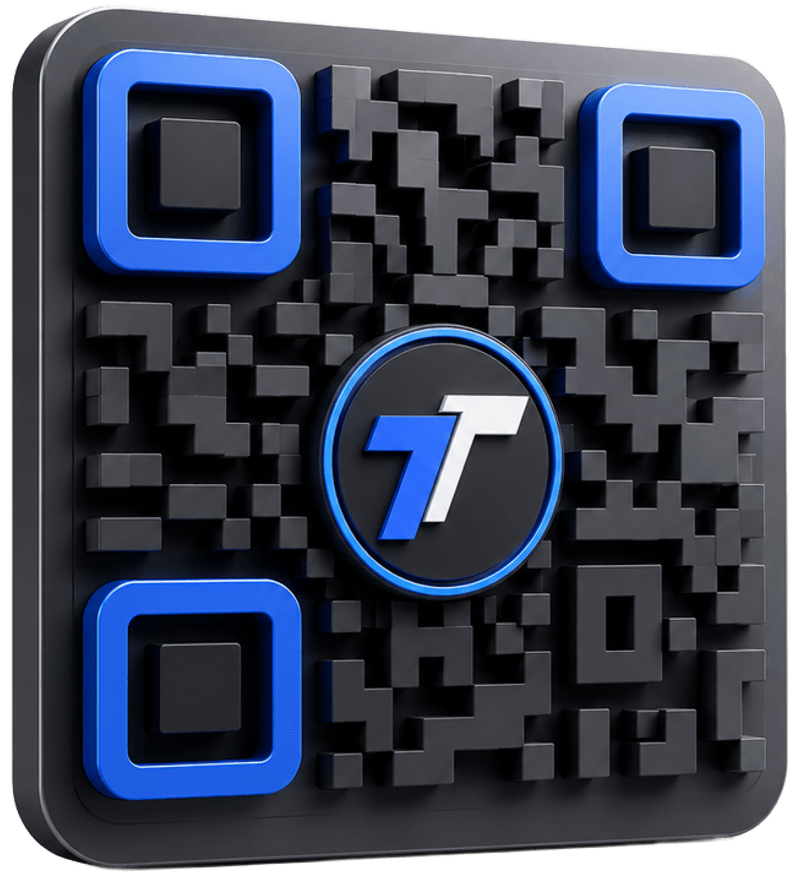
امسح الكود أدناه بكاميرا موبايلك لتجربة المينيو الرقمي بنفسك. شاهد كيف سيرى عملاؤك قائمة طعامك بطريقة تفاعلية واحترافية. كل طاولة في مطعمك ستحصل على QR Code خاص بها.
- بدون تحميل تطبيق
- يعمل على كل الموبايلات
- دعم العربية والإنجليزية
- تحديث فوري للمينيو
ماذا يقول عملاؤنا؟
قصص نجاح حقيقية من مطاعم اختارت طلباتك شريكاً رقمياً لها — بأرقام ملموسة
بعد تركيب طلباتك، زادت مبيعاتنا 35% في أول شهرين. العملاء بيحبوا يتصفحوا الصور بسهولة والطلبات بتوصلنا فوراً بدون أخطاء. وفّرنا أيضاً تكاليف طباعة المينيو بالكامل.
وفّرنا تكاليف طباعة المينيو بالكامل، وأصبح تحديث الأسعار والأصناف ممكن في ثواني. فريق الدعم محترف وسريع الاستجابة. حرفياً أفضل قرار اتخذته لصالح مطعمي.
النظام سهل الاستخدام جداً، ووفّر وقت النوادل بشكل كبير (-40% في زمن الطلب). العملاء بيتفاجئوا بالتجربة الحديثة وبيمدحوا المينيو الرقمي باستمرار. السياح خاصة مبسوطين جداً باللغة الإنجليزية.
انضم لـ 500+ مطعم يثقون بنا
كن القصة القادمةباقات تناسب كل مطعم
أسعار محلية بعملة دولتك، تجربة مجانية 14 يوم، بدون بطاقة ائتمان، إلغاء في أي وقت.
البداية
- مينيو رقمي غير محدود
- QR Code لـ 20 طاولة
- دعم واتساب
- تقارير شهرية أساسية
الاحترافي
- كل مزايا البداية
- QR Code غير محدود
- لوحة تحكم متقدمة
- دعم العربية والإنجليزية
- تكامل مع أنظمة POS
المؤسسات
- كل مزايا الاحترافي
- فروع متعددة
- API مخصص
- مدير حساب مخصص
- دعم فني 24/7
جميع الباقات تشمل: تجربة مجانية 14 يوم · دعم 24/7 · إلغاء فوري
عرض كل التفاصيل والمقارنةمتوفرون في 8 دول
نخدم المطاعم في أكبر أسواق المنطقة بأسعار محلية وعملات مختلفة ودعم باللهجة المحلية
السعودية
ريال سعودي (ر.س)
الإمارات
درهم إماراتي (د.إ)
الكويت
دينار كويتي (د.ك)
قطر
ريال قطري (ر.ق)
البحرين
دينار بحريني (د.ب)
عُمان
ريال عُماني (ر.ع)
الأردن
دينار أردني (د.أ)
مصر
جنيه مصري (ج.م)
الأسئلة الشائعة
إجابات على أكثر الأسئلة التي تصلنا من أصحاب المطاعم قبل البدء
لديك سؤال آخر؟ فريقنا جاهز لمساعدتك على واتساب
تواصل معنا الآنجاهز تبدأ رحلتك الرقمية؟
انضم لأكثر من 500 مطعم يثقون في طلباتك. ابدأ تجربتك المجانية اليوم — بدون بطاقة ائتمان، بدون التزام، تفعيل خلال 15 دقيقة.
أو استرداد كامل
بياناتك آمنة
بكل اللهجات